Changing the Data Set
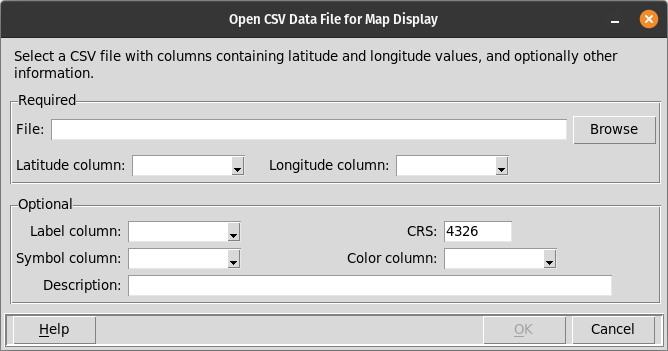
The data that are displayed on the map and in the table below can be changed using the File/Open CSV, File/Open spreadsheet, and File/Open database menu items. The name of the data file or database table, and the names of the columns with latitude and longitude data must be entered in response to prompts on the dialog boxes that are presented. If the coordinate reference system (CRS) of the map is anything other than 4326, then the appropriate CRS must also be specified.
The following figure illustrates the prompts that are presented when the File/Open CSV menu item is chosen.
More detailed descriptions of importing data from different sources can be found in the Importing Data documentation.